

Main
Code documentation Q&A bot example with LangChain
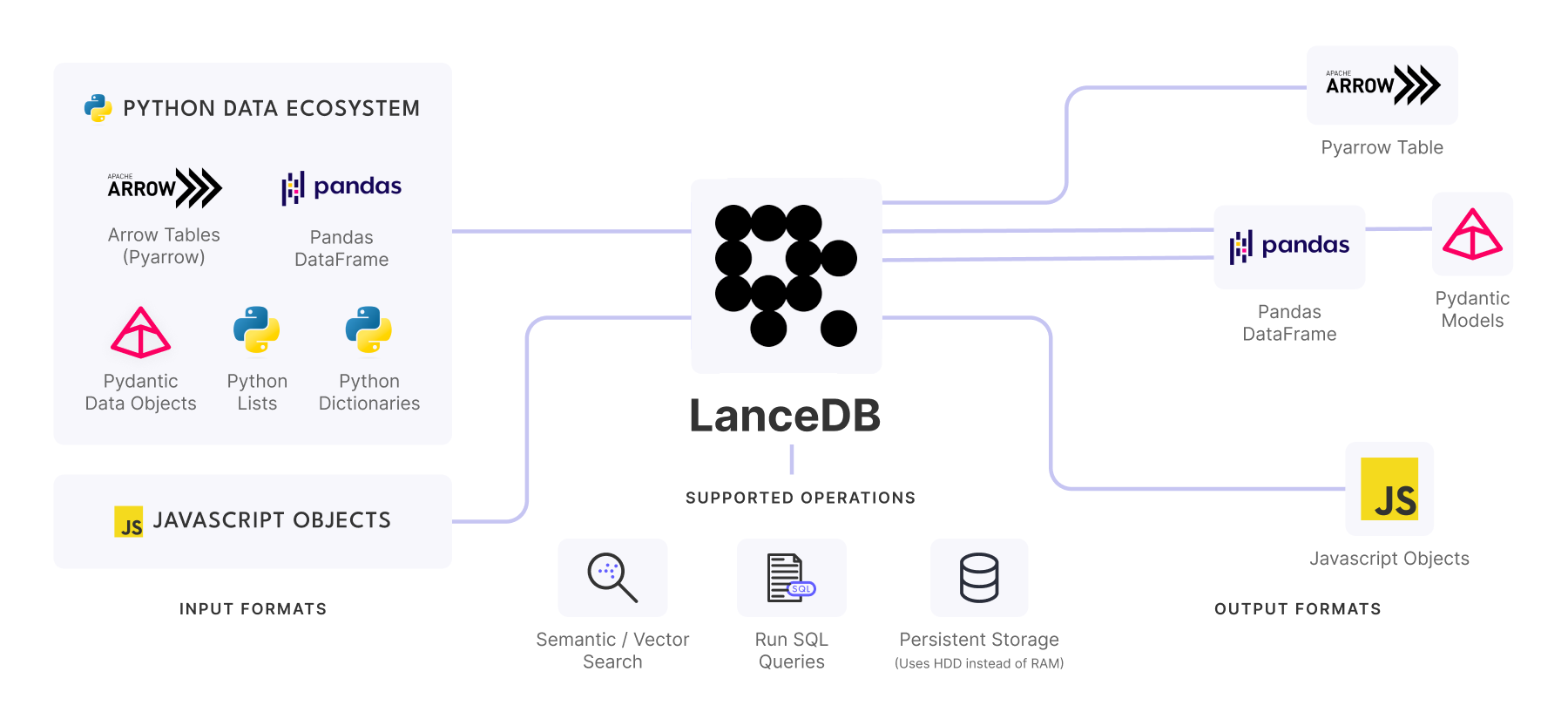
This Q&A bot will allow you to query your own documentation easily using questions. We'll also demonstrate the use of LangChain and LanceDB using the OpenAI API.
In this example we'll Numpy 1.26 documentation, but, this could be replaced for your own docs as well
Credentials
Copy and paste the project name and the api key from your project page. These will be used later to connect to LanceDB Cloud
You can also set the LANCEDB_API_KEY as an environment variable. More details can be found here.
Since we will be using OPENAI API, let us set the OPENAI API KEY as well.
Installing dependencies
Importing libraries
Get the data
To make this easier, we've downloaded Numpy documentation and stored the raw HTML files for you to download. Once the docs are downloaded, we then use LangChain's HTML document readers to parse them and store them in LanceDB as a vector store, along with relevant metadata. By default we use numpy docs, but you can replace this with your own docs as well.
We'll create a simple helper function that can help to extract metadata, so it can used later when querying with filters. In this case, we want to keep the lineage of the uri or path for each document that has been processed:
Pre-processing and loading the documents
Next, let's pre-process and load the documents. To make sure we don't need to do this repeatedly while updating code, we're caching it using pickle so it can be retrieved again (this could take a few minutes to run the first time you do it). We'll also add extra metadata to the docs here such as the title and version of the code:
Note: This step might take up to 10 minutes to run! Note: If there is some issue with nltk package, kindly try using
import nltk
nltk.download('punkt')
or try to manually install the nltk_data package and unzip the punkt tokenizer zip and the averaged_perceptron_tagger zip file in the packages folder.
Generating emebeddings from our docs
Now that we have our raw documents loaded, we need to pre-process them to generate embeddings:
Store data in LanceDB Cloud
Let's connect to LanceDB so we can store our documents, It requires 0 setup !
Now let's create our RetrievalQA chain using the LanceDB vector store:
And thats it! We're all setup. The next step is to run some queries, let's try a few:
Query
{'query': 'tell me about the numpy library?',
, 'result': ' The NumPy library is an open source Python library that is used for working with numerical data in Python. It contains multidimensional array and matrix data structures, and provides methods for efficient operations on these arrays. It is widely used in various fields of science and engineering and is a core component of the scientific Python and PyData ecosystems. It also offers a large library of high-level mathematical functions for working with arrays and matrices. '} {'query': "What's the current version of numpy?",
, 'result': '\nThe current version of numpy is 1.16.4.'} {'query': 'What kind of linear algebra related operations can be done in numpy?',
, 'result': ' The numpy package provides various operations related to linear algebra, such as decompositions, matrix eigenvalues, norms, solving equations and inverting matrices, and performing linear algebra on several matrices at once. It also has support for logic functions, masked array operations, mathematical functions, matrix library, miscellaneous routines, padding arrays, polynomials, random sampling, set routines, sorting, searching, counting, statistics, and window functions.'}