

Segment Anything Model using transformers 🤗 library
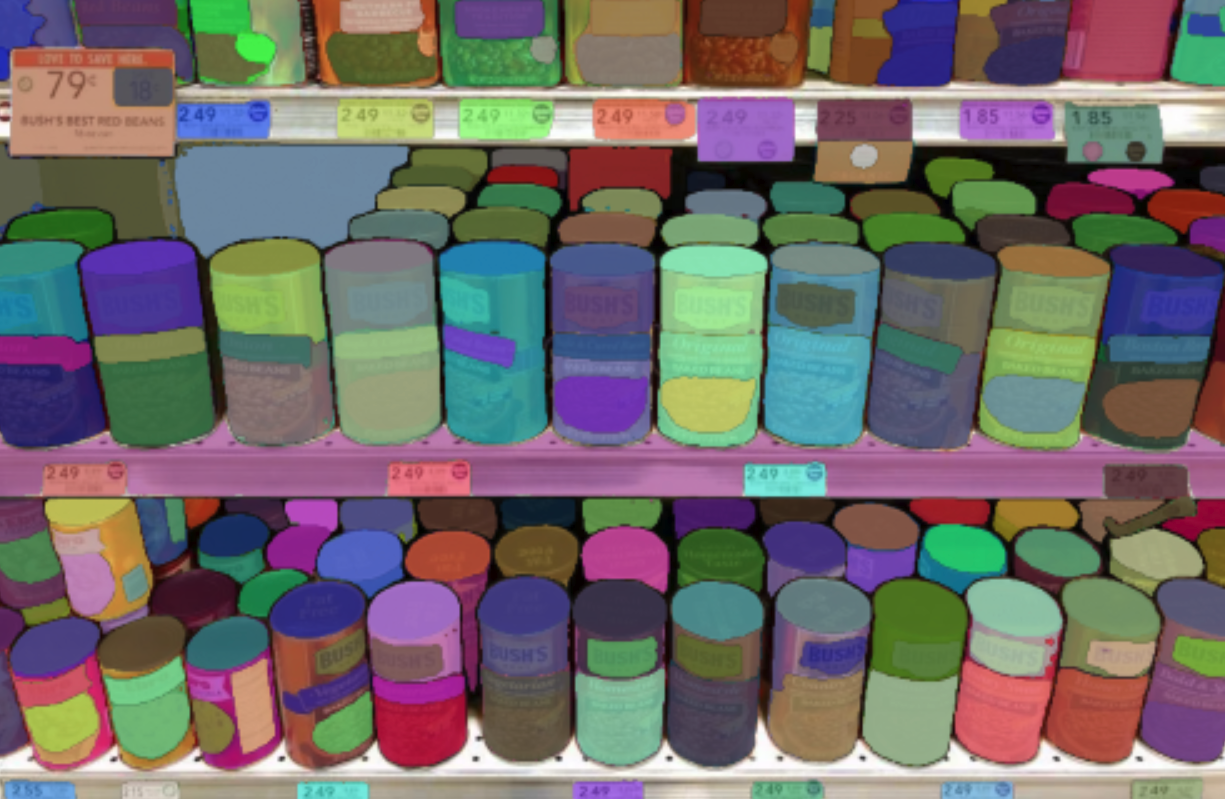 | 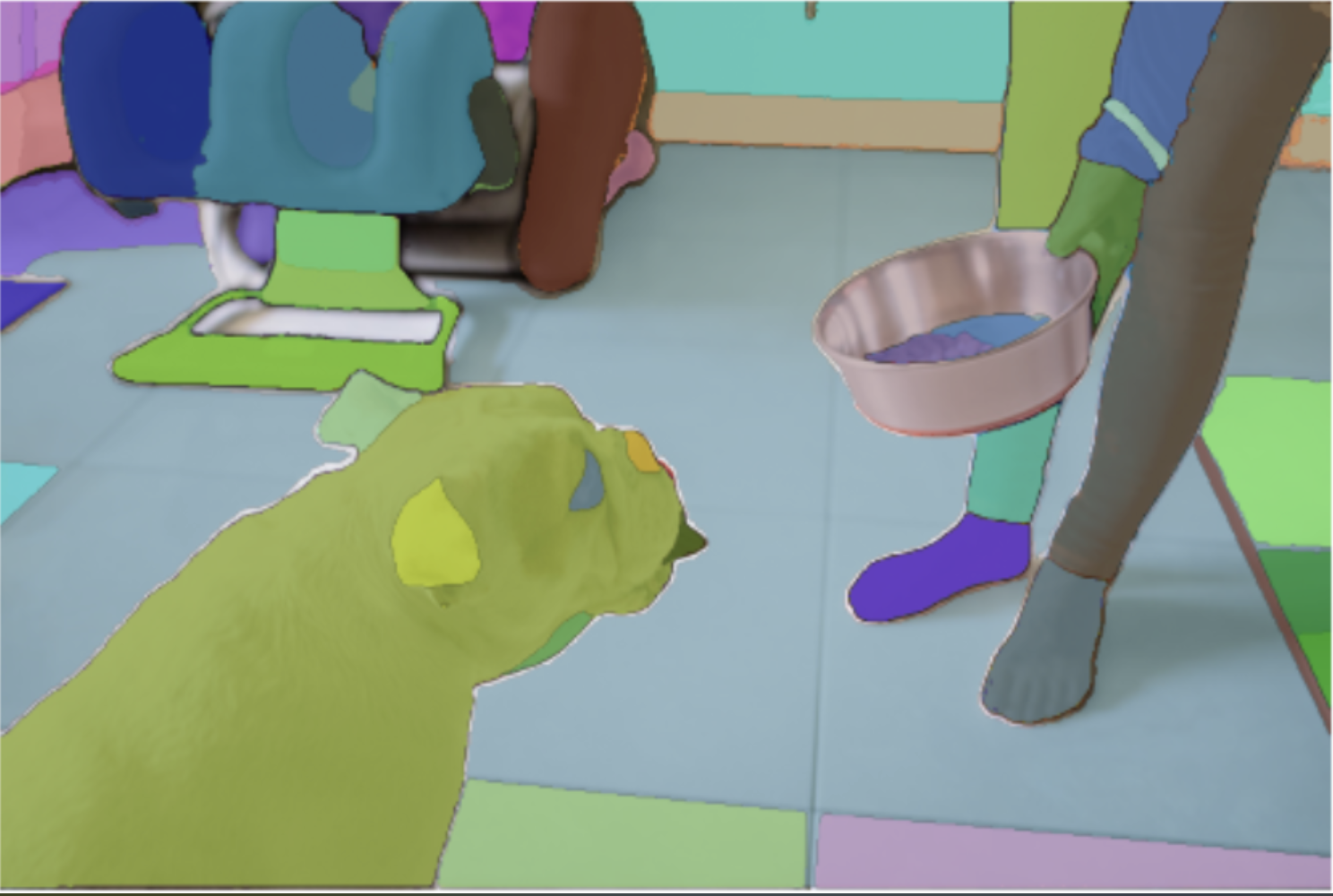 | 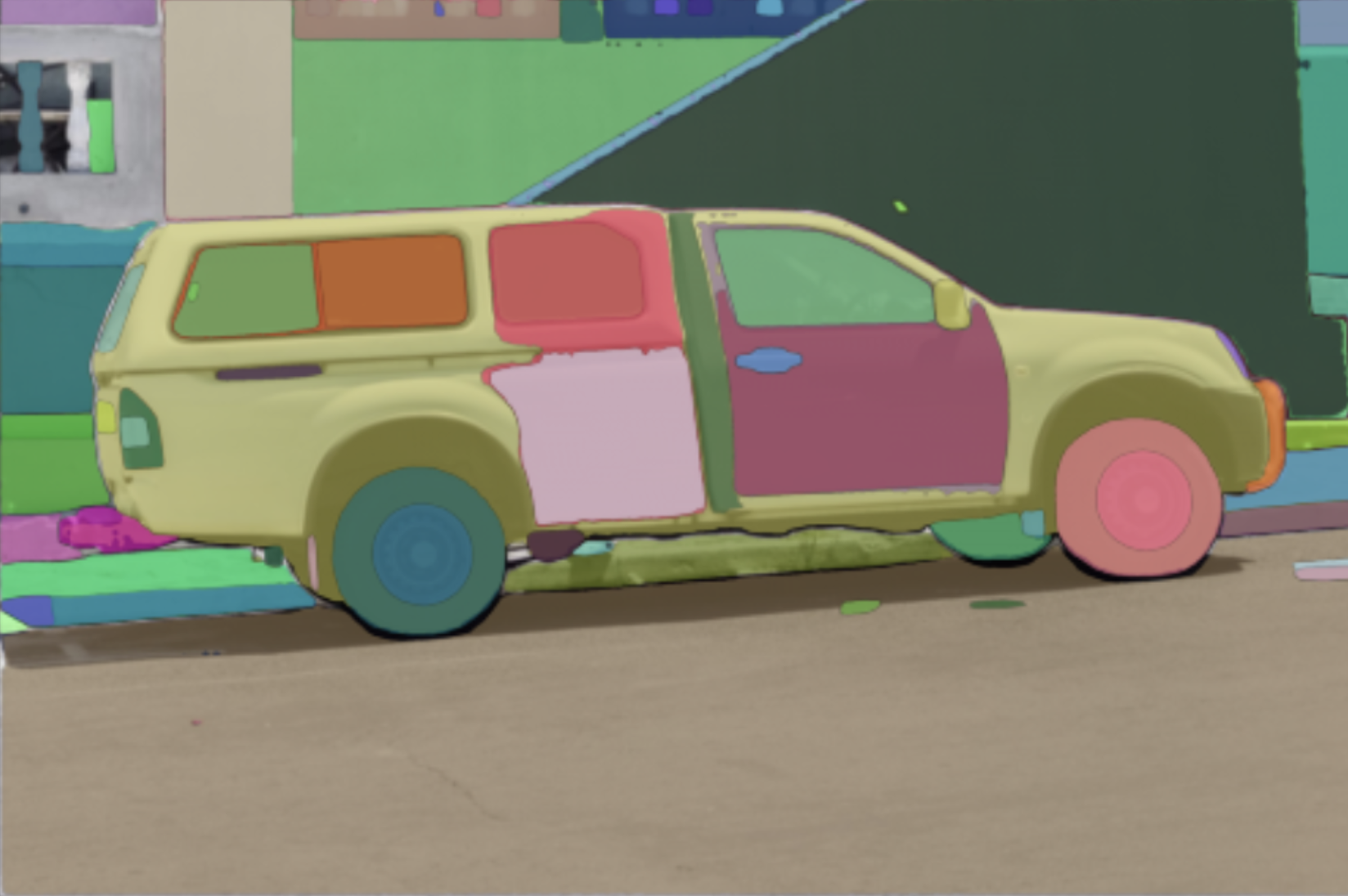 |
|---|
This notebook demonstrates how to use the Segment Anything Model (SAM) to segment objects in images. The model has been released by Meta AI in the paper Segment Anything Model. The original source code can be found here
This notebook demonstrates how to use transformers to leverage the different usecases of the model. The examples are heavily inspired from the original notebook of the authors.
As stated by that notebook:
The Segment Anything Model (SAM) predicts object masks given prompts that indicate the desired object. The model first converts the image into an image embedding that allows high quality masks to be efficiently produced from a prompt.
Utility functions
Run the cells below to import the needed utility functions for displaying the masks!
Model loading
Use the from_pretrained method on the SamForMaskGeneration class to load the model from the Hub! For the sake of this demonstration we will use the vit-huge checkpoint.
Run predictions
Let's deeply dive into how you can run different type of predictions, given different inputs. You will see how to
- Generate segmentation masks given a 2D localization
- Generate segmentation masks per given localization (one prediction per 2D point)
- Generate segmentation masks given a bounding box
- Generate segmentation masks given a bounding box and a 2D points
- Generate multiple segmentatation masks per image
Load the example image
Step 1: Retrieve the image embeddings
In order to avoid computing multiple times the same image embeddings, we will compute it only once, and use these embeddings to directly feed them to the model for faster inference
Usecase 1: Feed a set of 2D points to predict a mask
Let's first focus on the first classic usecase of SAM. You can feed the model a set of 2D points to predict a segmentation mask. The more you provide 2D points, the better the resulting mask will be.
In this example, let's try to predict the mask that corresponds to the top left window of the parked car.
The input points needs to be in the format:
nb_images, nb_predictions, nb_points_per_mask, 2
With SAM you can either predict a single prediction given multiple points, or a prediction per point. This is denoted by nb_predictions dimension. We will see in the next sections how to perform this type of prediction
For that, simply pass the raw image, the points
As you can see, the predicted masks are sorted in their IoU score order. The first mask indeed seems to correspond to the mask of the top right window of the parked car.
You can also feed a set of points to predict a single mask. Let's try to predict a mask, given two points
Usecase 2: Predict segmentations masks using bounding boxes
It is possible to feed bounding boxes to the model to predict segmentation masks of the object of interest in that region.
The bounding box needs to be a list of points, corresponding to the flattened coordinates of the top left point, and bottom right point of the bounding box. Let's look at an example below
We will try to segment the wheel that is present inside the bounding box! For that just run the following snippet
It is possible to feed multiple boxes, however, this will lead to having one prediction per bounding box. i.e., you cannot combine multiple bounding boxes to get a single prediction. However, you can combine points and bounding boxes to get a prediction, and we will cover that in the next section
Usecase 3: Predict segmentation masks given points and bounding boxes
You can also pass points with a label to segment out that region. Let us have a deeper look below
As you can see, the model managed to "ignore" the component that was specified by the point with the label 0.
Usecase 4: Predict multiple masks per image
With SAM, you can also predict multiple masks per image. You can achieve that in two possible scenarios
- Feed multiple points in the
nb_predictionsdimension - Feed multiple bounding boxes to the same image
Sub-usecase 1: one prediction per point
To benefit from what we have described in the first bullet point, just change the input array to
In order to add the desired dimension, and pass it to the SamProcessor
Let's print the shapes of the output to understand better what is going on
Here the first dimension corresponds to the image batch size, the second dimension corresponds to the nb_predictions dimension. And the last dimension is the number of predicted masks per prediction , and it is set to 3 by default according to the official implementation
Sub-usecase 2: Feed multiple bounding boxes to the same image
You can also feed multiple bounding boxes to the same image and get one prediction per bounding box.
Just pass the input boxes as follows, to match the convention of the processor
This time, let's just output a single mask per box, for that we can just pass multimask_output=False in the forward pass
As you can see, here we have predicted 2 masks in total! Let's check them now