

Openai Agents Tracing
arize-tutorialsopenaitracingLLMPython
Export

Initial setup
Install Libraries
[ ]
Setup Keys
Copy the Arize API_KEY and SPACE_ID from your Space Settings page (shown below) to the variables in the cell below.
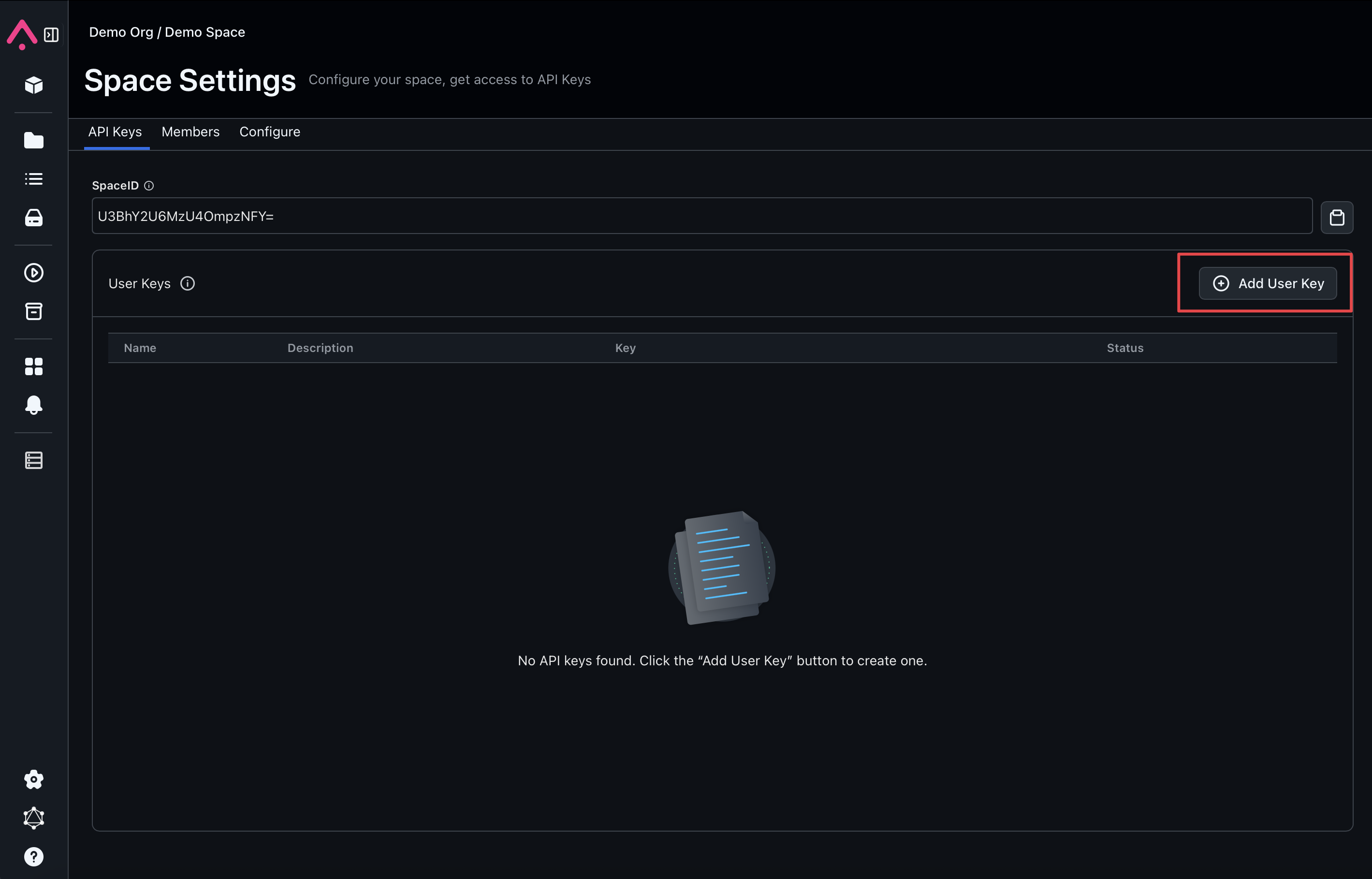
[ ]
Setup Tracing
[ ]
Create your first agent with the OpenAI SDK
Here we've setup a basic agent that can solve math problems.
We have a function tool that can solve math equations, and an agent that can use this tool.
We'll use the Runner class to run the agent and get the final output.
[ ]
[ ]
[ ]
Now we have a basic agent! The results will show up in the Arize UI.